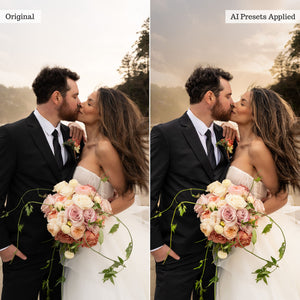
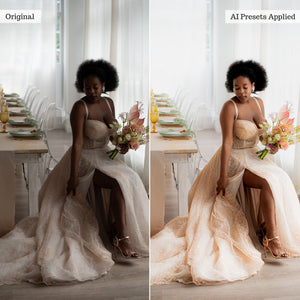
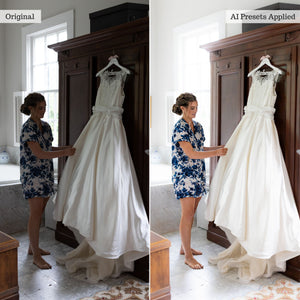
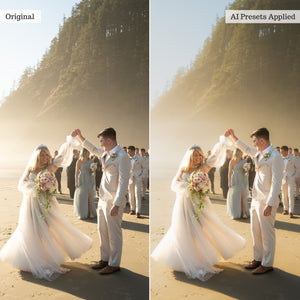
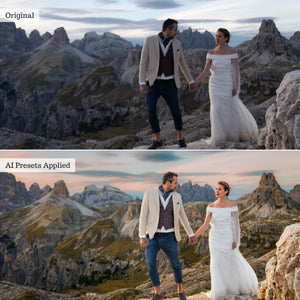
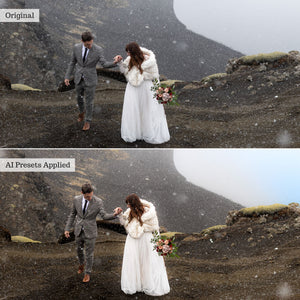
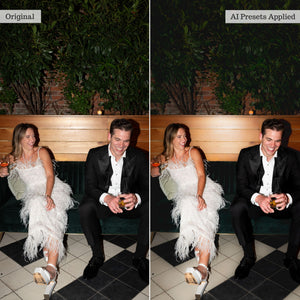
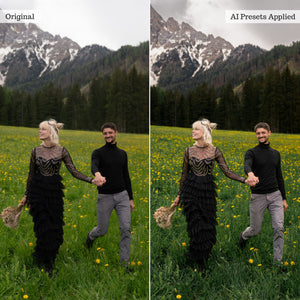
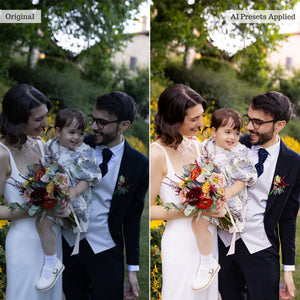
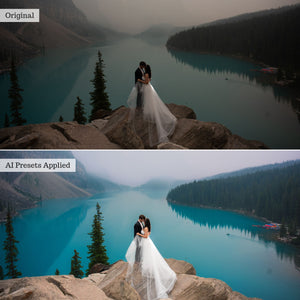
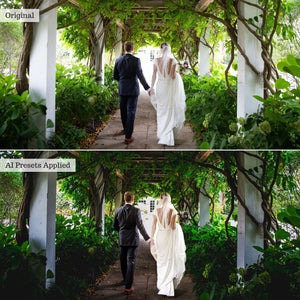
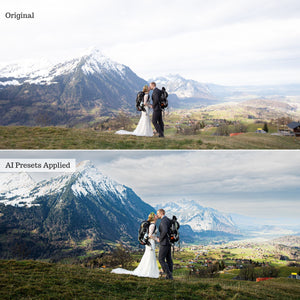
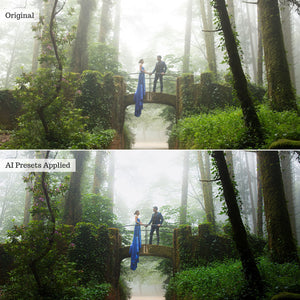
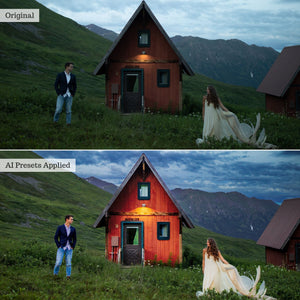
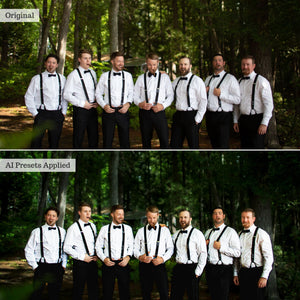
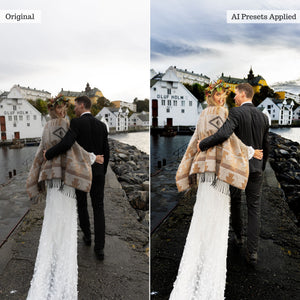
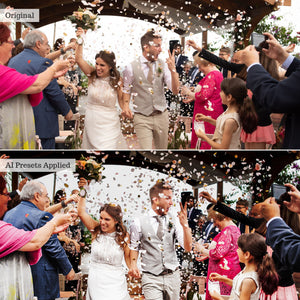
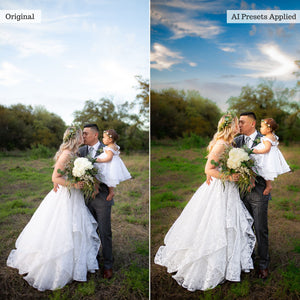
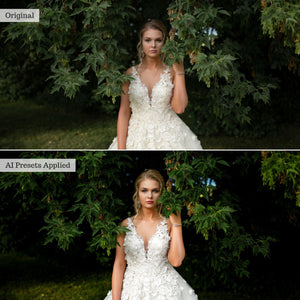
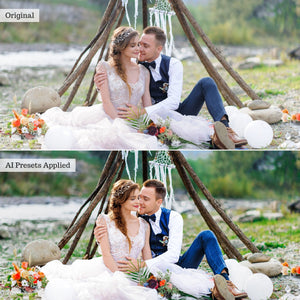
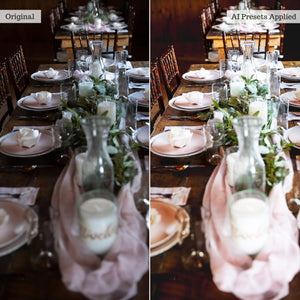
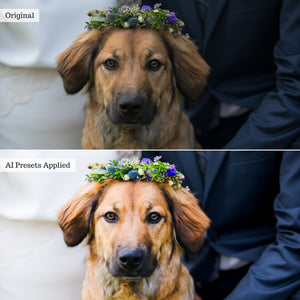
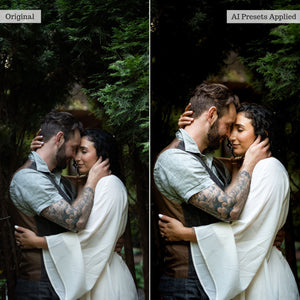
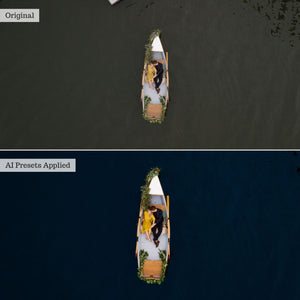
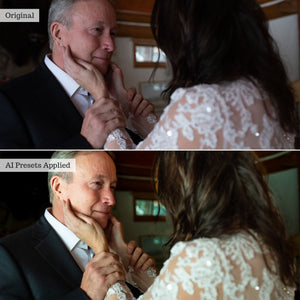
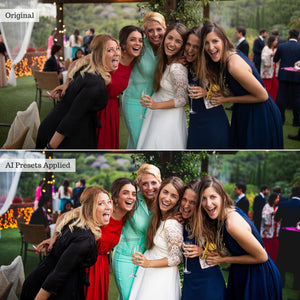
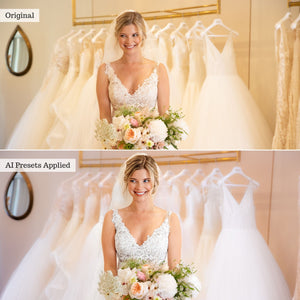
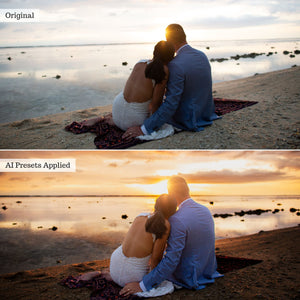
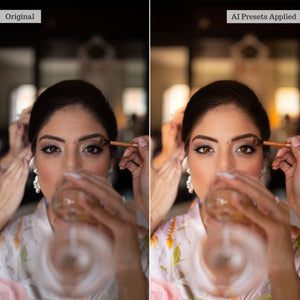
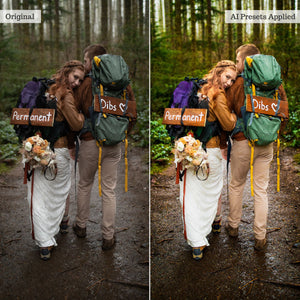
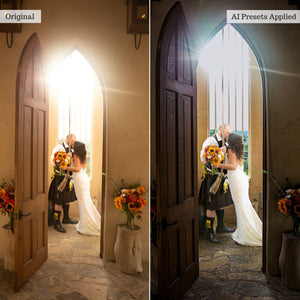
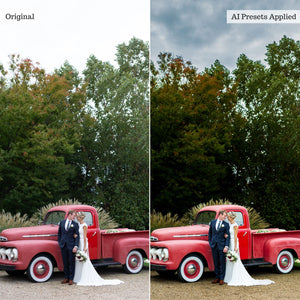
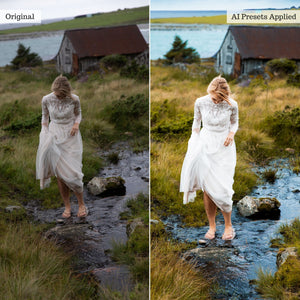
Fall in love with a faster, more intelligent wedding-editing workflow.
Luxe Wedding Pro AI brings together 192 targeted AI Adaptive presets created for the beauty, emotion, and constantly changing conditions of a wedding day. From a softly lit bridal suite and sun-drenched outdoor ceremony to a dark reception or dramatically flashed dance-floor portrait, this comprehensive toolkit helps you retouch, correct, and enhance important client images without rebuilding every adjustment manually.
Each preset combines expertly developed settings with Adobe’s intelligent masking technology, allowing it to detect and adjust specific parts of your image directly from the presets panel.
Built for every part of the wedding day
Correct difficult venue lighting, reduce interior noise, soften or sharpen backgrounds, recover detail, transform skies, and bring depth or atmosphere to the complete scene. Specialized architecture and flooring tools provide even greater control over the churches, ballrooms, reception spaces, city streets, and outdoor venues surrounding your subjects.
Whether you are editing a surprise proposal, intimate elopement, traditional ceremony, formal portrait session, or energetic reception, Wedding Pro AI gives you targeted solutions for the lighting and environmental challenges that come with the moment.
Refine every person and detail
Enhance bridal dresses, tuxedos, and wedding-party attire while independently refining eyebrows, irises, eye whites, facial hair, hairstyles, lips, teeth, face skin, and body skin. Whole-subject tools help adjust exposure, color, clarity, softness, saturation, and directional reflector light without affecting the entire scene.
From natural skin softening and blemish reduction to polished hair, brighter smiles, expressive eyes, luminous subjects, and creative beauty effects, every tool is designed to target a particular area while preserving creative control.
Complete edits with 16 one-tap recipes
The Wedding Pro AI Recipe Kit combines multiple targeted adjustments into 16 professionally balanced formulas. Apply a coordinated edit for the bridal suite, groom suite, ceremony, reception, dance floor, flashed portraits, wedding party, family formals, or newlywed portraits in a single tap.
Choose from moment-specific, portrait-focused, and stylistic recipes—including Filmic, Light & Airy, and Moody—then adjust the result to suit your image and personal editing style.
Designed to complement your signature look
Wedding Pro AI is a targeted retouching toolkit rather than a traditional collection of full-image color presets. Apply its tools before or after your preferred global preset or custom color edit. Use one tool independently, stack several for a detailed retouch, or begin with a Recipe Kit preset and customize the result from there.
Compatible presets support Lightroom’s Amount slider, while the resulting masks remain available for further adjustment. Similar edits can also be synchronized across compatible images to help create a faster and more consistent client workflow.
A 57-page PDF Recipe Guide is included with instructions, tips, and example workflows for desktop and mobile editing.
Before you begin
AI Adaptive presets require compatible, up-to-date subscription versions of Lightroom, Lightroom Classic, or Photoshop Adobe Camera Raw. Because this collection relies on Adobe’s latest masking and subject-detection capabilities, older perpetual software and the free Lightroom Mobile app are not compatible.
On mobile, these presets require the Premium paid Lightroom app and a compatible newer Android or iOS device.
For complete requirements, please review our software compatibility information. For detailed instructions and example workflows, visit the Wedding Pro AI guide.