Search

"I'm quite pleased with this collection. I own presets from several other companies and these are my new favorites! Well done." - John R.

"OMG these are amazing. I had never used overlays until now but now I'll never be able to look back." Sarah I

Sale

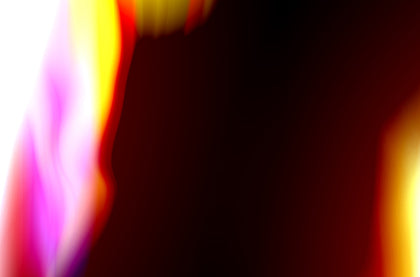
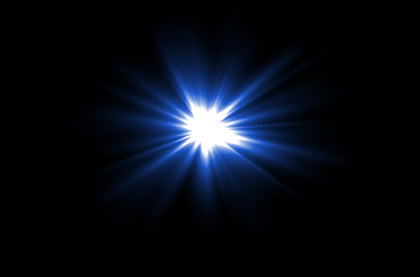
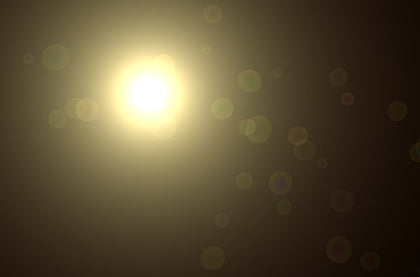
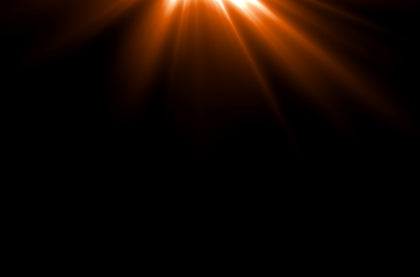
Lens Flares & Light Leaks Overlays – Photoshop & More

  • 22 high resolution Light Leak & Lens Flare overlays 
  • JPG and PNG files, suitable for photos up to 5000 x 3300px and smaller
  • 300 dpi high resolution, great for prints
  • Works with all versions of Photoshop and Photoshop Elements, Gimp, Affinity Photo, and any other editing program or app that allows layersTHIS DOES NOT INCLUDE LIGHTROOM.
  • Very easy to use - New to overlays? Learn with Luxe! 
  • Note: These are not Photoshop actions or Lightroom presets.

Light leak overlays are coming back in a big way because they can add a vintage, color "pop", or dramatic feel to photos.. The brilliant bands of color are originally from older cameras that had cracks in them, prematurely exposing film to the light. Lens flare overlays add realism and are perfect for highlighting light sources in photos.

Frequently Asked Questions

Presets are essentially a configuration of settings, designed to quickly achieve the look of hours of editing, making global changes with a single click. On average, our presets change 30-50 settings.

Actions are prerecorded sets of multiple software commands, that play one after the other, to make specific changes to an image. Actions can be stacked, so that one is run after the other, in order to create more dynamic edits. Actions are typically complex and because of this, the use of actions saves a user large amounts of time from having to make each change individually in order to achieve a desired outcome. Actions are designed for Photoshop, not Lightroom! Be sure to review compatibility prior to purchase!

Overlays consist of an image (.jpeg or .png) that sits on top of your original image as a layer, in order to enhance your image. The layers are often blended by the user to create a realistic composition. Overlays are multi-purpose and can come in many forms from seasonal (rain and rainbows, snow, fog, skies, and leaves), to everyday magic (glitter, light leaks, bokeh, confetti, and fairy dust)!

A LUT is a tool that allows filmmakers, editors, and colorists to apply specific color grades to film/video (raw log footage) or images. Our LUTs or color lookup tables are .CUBE format presets created to colorgrade film clips. These can be used in most video-editing software and any photo editing software that allows for adjustment layers targeting lookup tables for color grading. We've included some common programs below, but if you know your software can support .CUBE LUTs, then you can use these!

Users must have Photoshop (Creative Cloud Subscription; PC or Mac) software from Adobe in order to use this collection. Check your compatibility HERE! -

AI-powered actions are not backwards compatible and will not work in Elements as they utilize the latest software features powered by Adobe Sensei AI!

The core of our AI Actions collections are the Subject, background, and sky targeted actions which apply localized changes in the touch of a button! We have combined our professional retouching adjustments with smart masking powered by Adobe Sensei Artificial Intelligence to facilitate this one-click localized retouching for a super-charged workflow without sacrificing style or control!

Like our AI Adaptive Presets, our AI Actions are powered by Adobe Sensei AI! Sensei allows our pro settings to be mapped to your image-specific subject, background, or sky in just a click!  

Directly from the Actions panel in your Photoshop workspace! No need to load plug-ins or edit in & out of camera raw!

NOPE! These will not use generative credits, as they utilize Adobe’s traditional machine-learning AI (Sensei), and not the generative AI (Firefly), to cleanly mask changes to specific parts of your image.

While these will play through like any other actions, we think these are best used in button mode! You can turn on “Button Mode” via the actions panel menu! See our guides for visuals! With button mode instead of pressing play for each action, you can just click through your workflow!

Unfortunately, no. Adobe has not designed their mobile iterations of Photoshop to support actions!

You will receive access to your digital files immediately after your payment has been processed and your purchase has completed.

On your order confirmation page, you should see an "Access Digital Content" link. Additionally, all customers will receive a download email immediately following purchase.

If you did not receive a download email, please check your spam folder and the email address associated with your form of payment. You may also contact us at support@theluxelens.com and we'll resend your email. We do send any products via mail - all delivery is digital. 

Actions are easy to install as all of the actions are bundled into a single .ATN file! You can double-click on the unzipped .ATN file to automatically load it into Photoshop OR you can select “Load Actions” from your Actions window menu in Photoshop and load your ATN file that way!

Our customer service team is here to help. We provide 1:1 personalized help that tackles any issue you may come across while using your presets.

Overall rating: 4.8 / 5 from 10 reviews.

AI Generated Review Summary

Summary topics

    Review topics: [photos].

    Review highlights

      Reviews

      Very useful

      "Very useful"

      Annette B. (5/5)

      SO SO EASY!

      "Easy to use! Really spiced up my photographs for my customers! 10/10 recommend!!"

      Kristen M. (5/5)

      Love this package, it just

      "Love this package, it just makes these photos really come to life!"

      Haleina K. (5/5)

      Love them!

      "Love them!"

      Brandon W. (5/5)

      Awesome, they are just what

      "Awesome, they are just what I wanted."

      Jascleyn T. (5/5)

      These really helped transform photos quickly and easily. This package has a much wider variety than most others I have used.

      "These really helped transform photos quickly and easily. This package has a much wider variety than most others I have used."

      Albert S. (4/5)

      Luxe lens flares and Light Leaks

      "Love these presets!! They add a little “pop” to my pictures. So easy to use! Highly recommend."

      Kim D. (5/5)

      Adds light source with highlights and exposure. Increases realism of shot.

      "Sometimes certain pictures just work better with added exposure, highlights, etc., but then the picture looks off because it's like - where is the light actually coming from. Adding in extra light from a visible source like the sun or a glare really helps to keep my photos more realistic."

      Lance R. (5/5)

      Add light

      "These come in handy when I want to add light to a shot or when I want to add film exposure - weird that they combined these into one collection because they kind of serve two different purposes. But I do use them both. Four stars because it took me a while to learn how to add shadows after adding additional light. Please introduce a tutorial on that!"

      Michael W. (4/5)

      These are great!

      "Love! I wanted to add sun to my images and this was the perfect set for this purpose. Some of the lens flares I don't use as much, because they are more specialty, but they are good for vintage pictures. I wish there was an overlay bundle. You guys have action bundles and preset bundles. Time for an overlay bundle!"

      Ted I. (5/5)

      Q&A